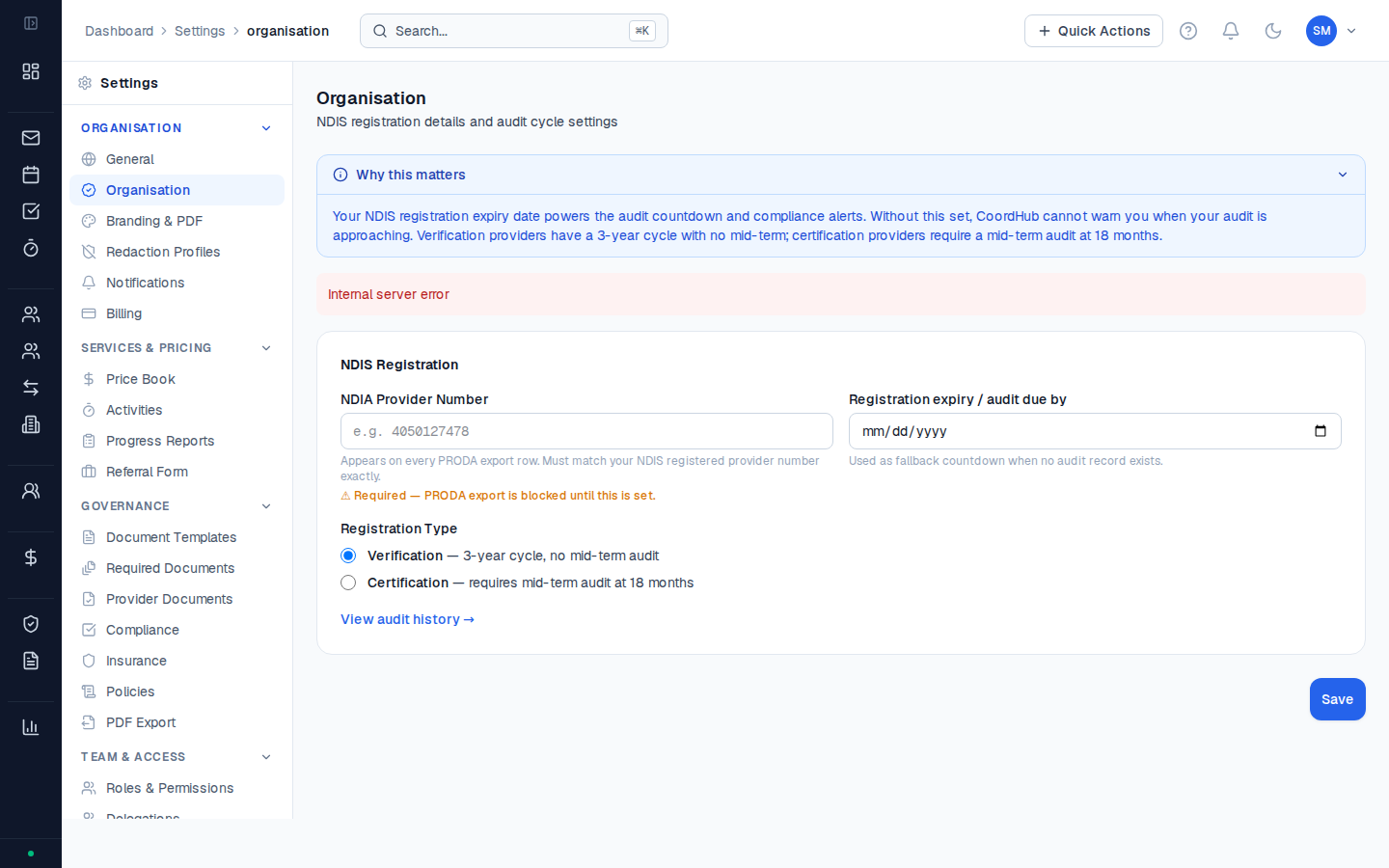
Organisation settings control the details that appear across CoordHub — on invoices, PRODA exports, service agreements, and reports. Set these up before you start billing.
Go to Settings → Organisation to access these settings.
Organisation details
| Field | What it’s for |
|---|
| Organisation name | Your registered business name — appears on all documents |
| ABN | Australian Business Number — included on invoices and PRODA exports |
| NDIS registration number | Required before you can generate PRODA exports for NDIA-managed participants |
| Primary contact name | The person the NDIA or plan managers should contact — appears on service agreements |
| Primary contact email | Contact email shown on outbound correspondence |
| Business address | Displayed on invoices and service agreements |
Logo
Upload your organisation’s logo from the Branding section. The logo appears on:
- Invoice PDFs
- Service agreement PDFs
- Register export PDFs (for audit evidence packs)
Accepted formats: PNG, JPG, or SVG. Recommended minimum width: 300px. The logo is displayed at a fixed height so wide horizontal logos work best.
Invoice settings
| Setting | What it does |
|---|
| Invoice number prefix | A text prefix prepended to every invoice number (e.g. INV- creates INV-0001) |
| Starting invoice number | The number to start from — useful if you’re migrating from another system and want numbering continuity |
| Default payment terms | The number of days shown as the due date on invoices (e.g. 14, 30) |
| Invoice footer text | Optional text printed at the bottom of all invoice PDFs — e.g. bank account details or a thank-you message |
Email notification settings
Configure which automated emails CoordHub sends from Settings → Notifications:
| Notification | Default | When it triggers |
|---|
| Consent expiry alert | On | 30 days and 7 days before a consent record expires |
| Service agreement unsigned alert | On | 14 days after an SA is sent without being returned |
| Plan expiry alert | On | 60 days and 30 days before a plan period ends |
| Provider document expiry alert | On | 30 days before a provider compliance document expires |
| Activity approval notification | On | When a coordinator’s activity is approved or rejected |
Keep your ABN and NDIS registration number current. The NDIS registration number is embedded in every PRODA export file — if it’s wrong, the NDIA will reject the entire bulk payment request.