

NDIS Practice Standards
Under Practice Standard 1.1, you must verify that providers are appropriate and meet quality requirements before linking them to participants.
Safeguarding Requirements
The NDIS Quality & Safeguards Commission expects Support Coordinators to maintain records of provider due diligence — the provider directory is that evidence.
Why maintain a provider directory?
For Support Coordinators, maintaining accurate provider records isn’t just administrative housekeeping — it’s an NDIS compliance requirement. Under the NDIS Practice Standards, Support Coordinators have a duty to:- Assist participants to connect with appropriate supports — you need to know what providers exist, what they offer, and whether they’re NDIS registered
- Ensure providers meet quality requirements — for registered providers, this means they hold current NDIS registration; for unregistered providers, you should document why they’re appropriate
- Maintain records of support arrangements — the provider directory is the evidence that you’ve done your due diligence on the providers you’ve linked participants with
Providers vs. plan managers
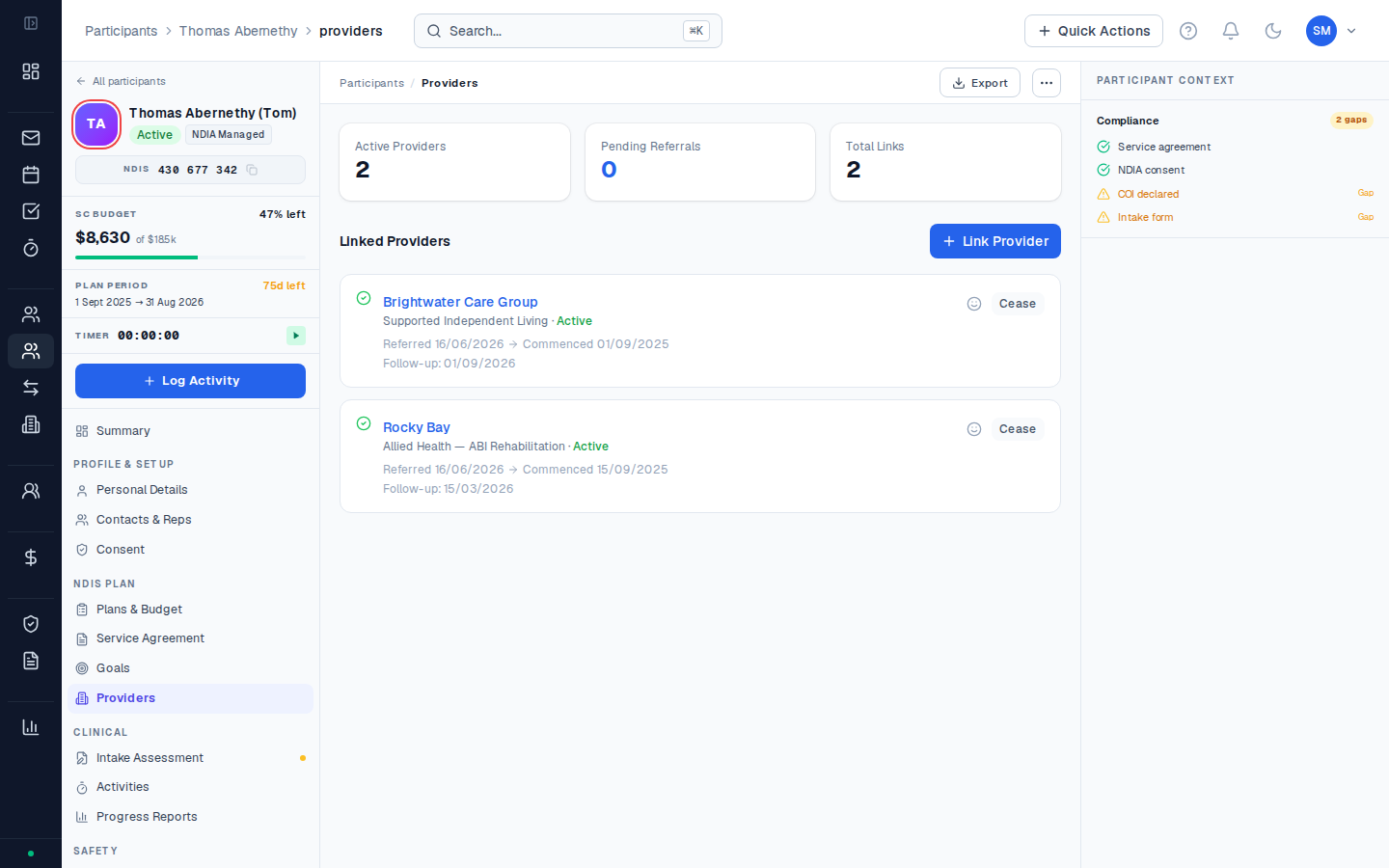
These are two different things in CoordHub:| Feature | Providers | Plan Managers |
|---|---|---|
| What they are | Organisations delivering NDIS supports to your participants | Financial intermediaries who manage the participant’s NDIS funds |
| Where in CoordHub | Providers section | Finance → Plan Managers |
| Linked to | Specific participants via their Providers tab | Specific plan budgets |
| Compliance documents | NDIS registration, insurance, WWCC | Not required in provider directory |
Smart Match
CoordHub includes a Smart Match feature that helps you find providers for a participant based on their support needs and location. Smart Match searches the provider directory for providers who match the participant’s required support categories. Access Smart Match from a participant’s Providers tab — click Find Providers to run a match.Provider verification status
Each provider record has a verification status based on their compliance documents:| Status | Meaning |
|---|---|
| Verified | Key compliance documents are uploaded and current |
| Unverified | No compliance documents on record |
| Expired | One or more compliance documents have passed their expiry date |
| Blocked | Provider has been flagged and should not be linked to new participants |
What's the difference between NDIS-registered and unregistered providers?
What's the difference between NDIS-registered and unregistered providers?
NDIS-registered providers have been assessed by the NDIS Quality & Safeguards Commission and are listed on the NDIS Provider Finder. Unregistered providers haven’t been assessed — they can only deliver supports to participants who are self-managed or plan-managed (not NDIA-managed). When you link an unregistered provider to a participant, document why the provider is appropriate and what due diligence you’ve done.
Can I add a provider without an ABN?
Can I add a provider without an ABN?
Yes, though it’s not recommended. The ABN is used for Smart Match and for verifying NDIS registration status. If a provider doesn’t have an ABN, add a note in the provider record explaining why (for example, if they’re a sole trader operating under a different structure). You should still upload their key compliance documents manually.
How often should I review provider verification status?
How often should I review provider verification status?
Review provider records at least annually — or whenever a participant’s service arrangement changes. Pay particular attention to providers whose NDIS registration or professional indemnity insurance is approaching expiry. The quarterly document review table in Provider documents lists typical expiry cycles for common document types.