

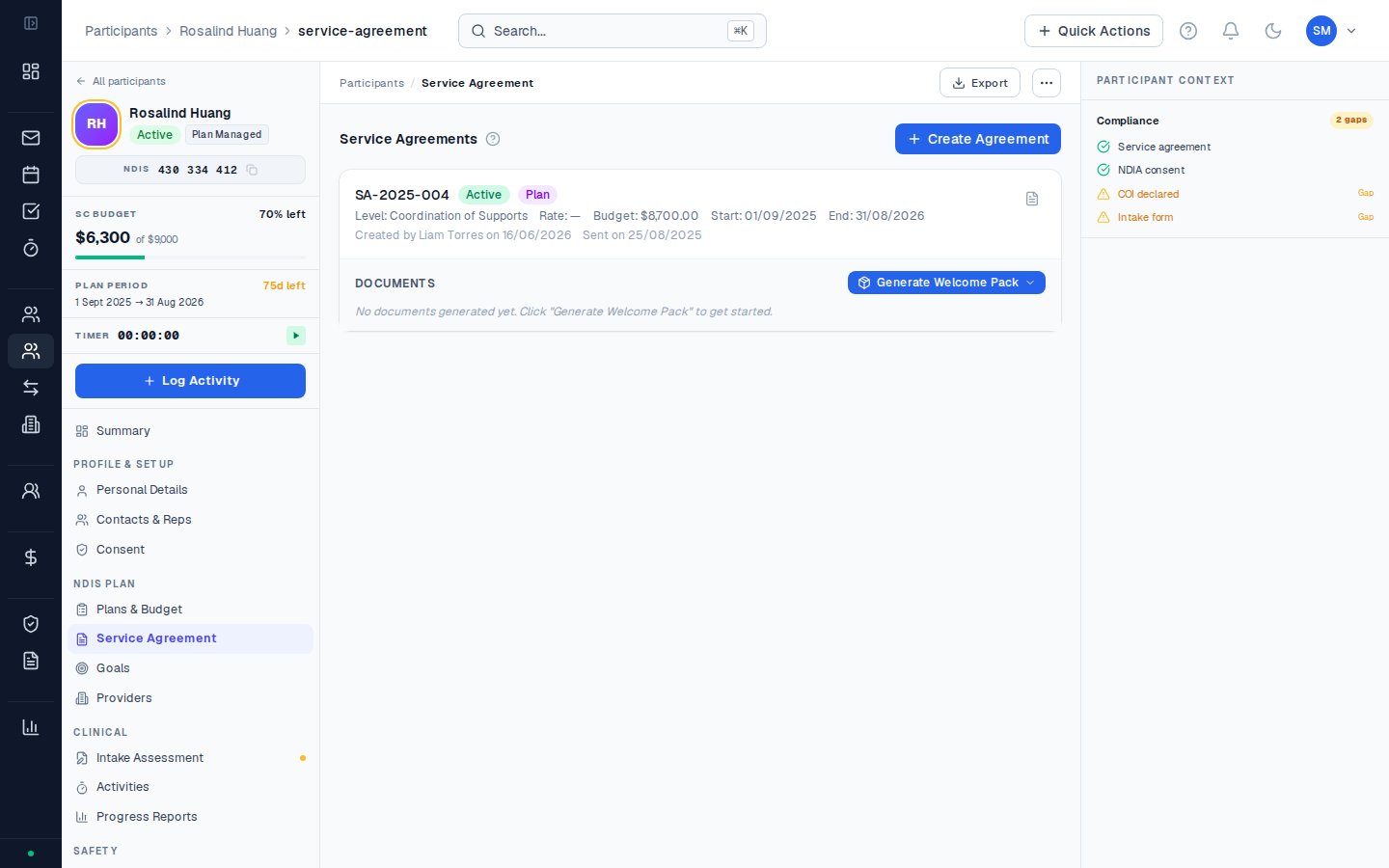
Service agreements in CoordHub
CoordHub creates service agreements from the participant’s intake record — the details you’ve already captured flow through into the agreement, reducing re-entry. Each agreement is linked to a specific NDIS plan period.Status lifecycle
| Status | Meaning |
|---|---|
| Draft | Being prepared — not yet sent to the participant |
| Sent | Provided to the participant or their representative for signing |
| Signed | Returned with a signature — document uploaded to CoordHub |
| Active | Current, signed service agreement in effect |
| Expired | Plan period has ended or a new agreement supersedes this one |
| Superseded | Replaced by a new version before being signed |
What a service agreement covers
A CoordHub service agreement includes:- Participant details (name, NDIS number, date of birth)
- Organisation details (your organisation’s name, ABN, NDIS registration number)
- Support items and rates (line items from the NDIS Price Guide)
- Plan period dates
- Consent and privacy statements
- Signature section for participant / representative
What must a service agreement include?
Under the NDIS (Registered Supports) Rules 2018, a service agreement between a registered NDIS provider and a participant must include:- The supports to be provided and how they’ll be provided
- The price for each support
- How the participant can end the agreement (notice period)
- How the provider can end the agreement (notice period)
- Any conditions the participant must meet
- Complaints and dispute resolution process
CoordHub uses a manual signing workflow. You create the agreement in CoordHub, print or export it as a PDF, provide it to the participant (or their guardian/nominee) for physical signature, then upload the signed copy back into CoordHub.