

Billable vs. non-billable
Not every activity generates an invoice. When you log an activity, you assign it to a support item:- Billable activities use an NDIS support item (e.g. Support Coordination 07_002_0106_8) and draw from the participant’s plan budget
- Non-billable activities use a non-billing activity type (e.g. internal admin, travel that isn’t claimed) and don’t generate a charge
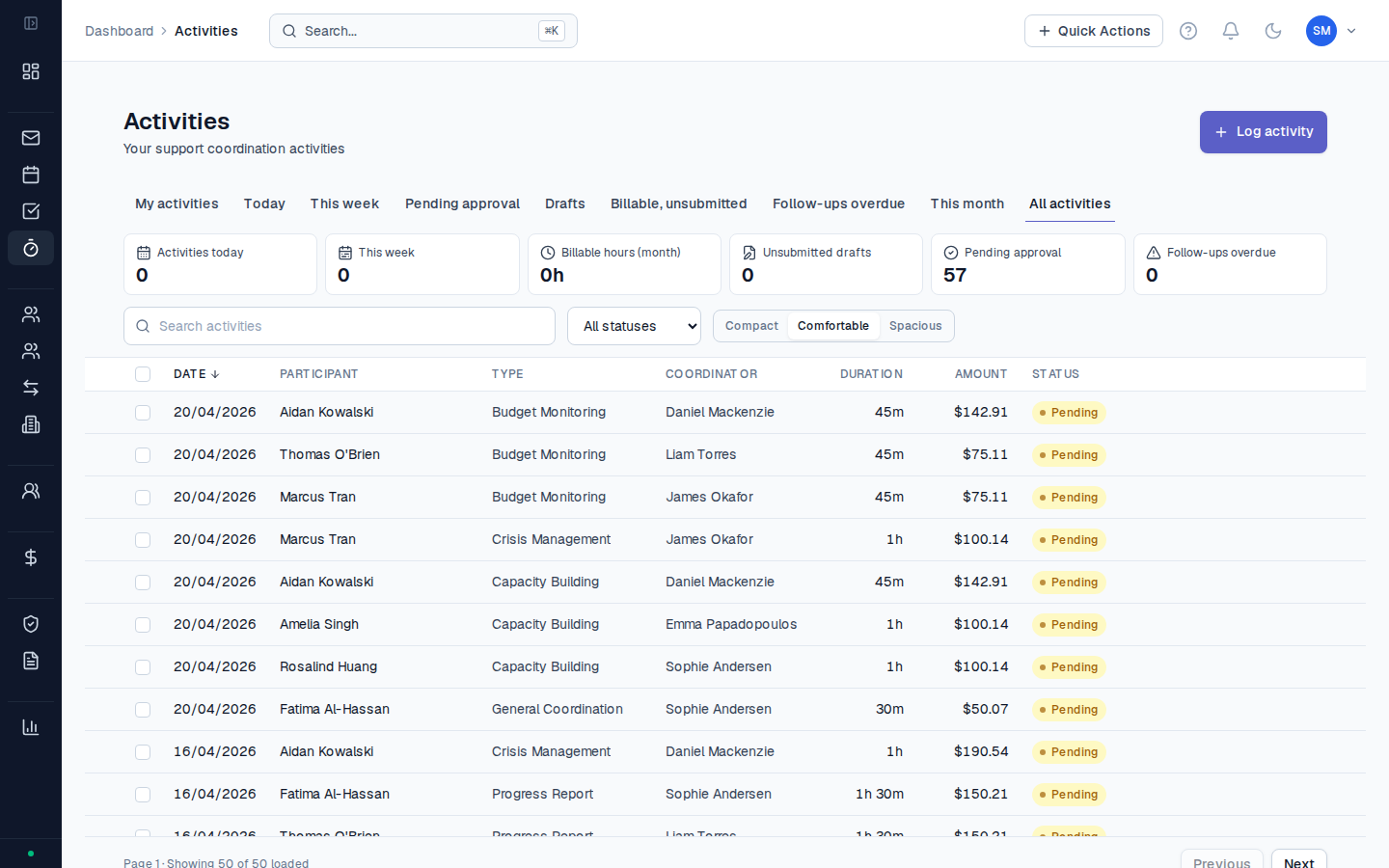
The approval workflow
Activities move through a set of statuses from creation to payment:| Status | Meaning |
|---|---|
| Draft | Created but not submitted for approval — only you can see it |
| Pending | Submitted and waiting for a manager to approve |
| Approved | Approved — ready to be included in an invoice |
| Billed | Included in a created invoice |
| Submitted | PRODA claim lodged with the NDIA, or invoice sent to plan manager |
| Paid | Payment received and recorded |
| Rejected | Returned to the coordinator with a note — must be corrected and resubmitted |
Case notes
Every activity has a case note field. The case note is your clinical record of what happened during that support session — it’s distinct from the billing record but stored alongside it. Case notes are included in activity exports and NDIA progress reports. A good case note records: what you did, who was involved, decisions made, actions taken, and what happens next. See What makes a good case note? for examples.Common questions
Common questions
How far back can I log activities?
There’s no hard date restriction in CoordHub, but NDIS billing rules mean you can only claim activities that fall within the participant’s current plan period. Activities dated before the plan start date or after the plan end date will not appear in PRODA exports or invoice creation.Can I log an activity for a participant without a plan?
Yes — non-billable activities can be logged without a plan. Billable activities require an active plan with a matching support category budget. If you try to select a support item and no options appear, the participant likely doesn’t have a matching plan budget set up.What happens if an activity is rejected?
It returns to Draft status with a note from the approver explaining what needs to be corrected. You can edit it and resubmit. The rejection is recorded in the activity’s audit history.