

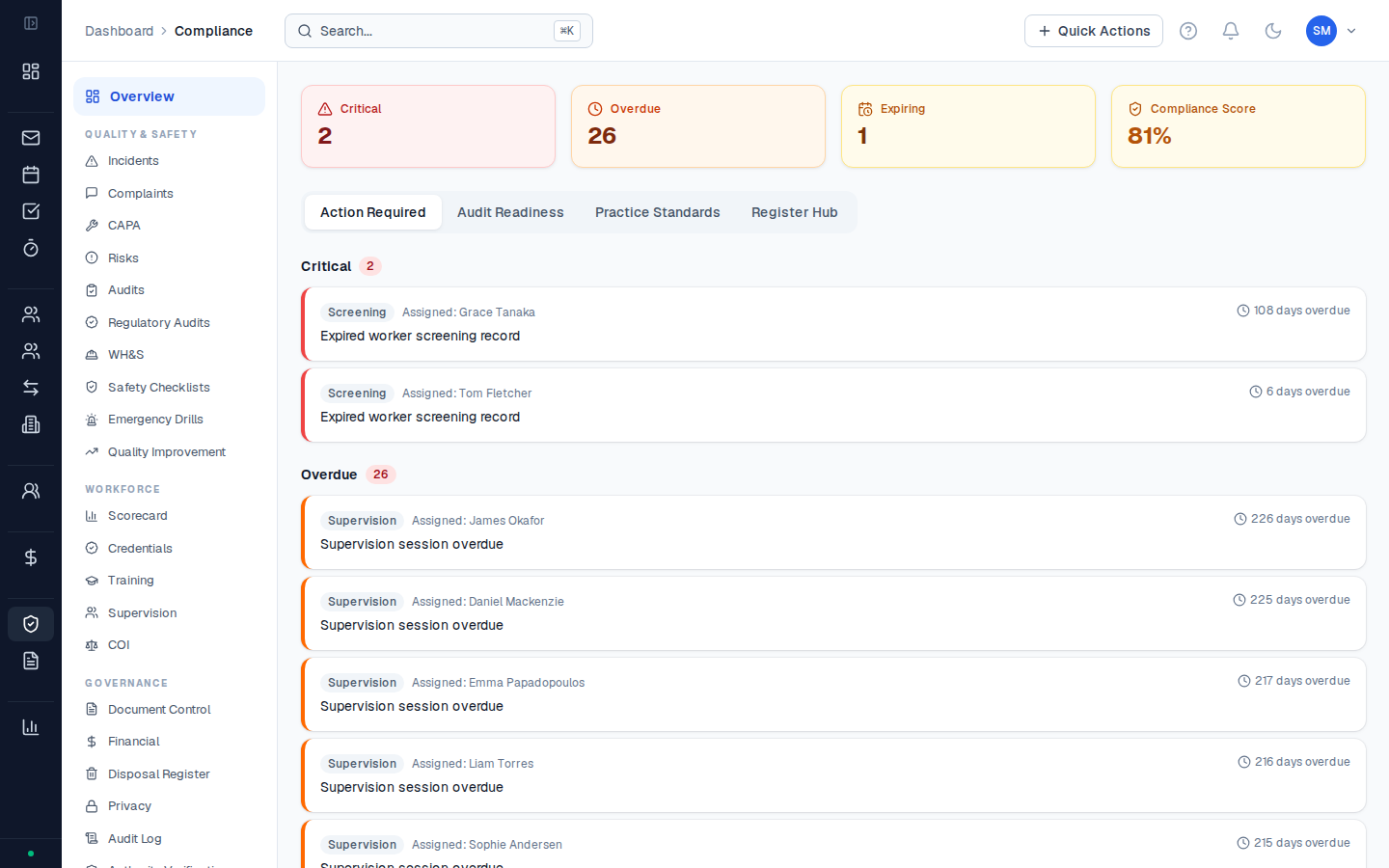
What CoordHub tracks
| Area | Where it lives | What’s recorded |
|---|---|---|
| Incidents | Compliance → Incidents | Incident type, date, subject, reportable status, follow-up, CAPA |
| Worker screening | Team → Staff profiles | NDIS Worker Screening Check number, expiry date, status |
| Supervision | Compliance → Supervision | Supervision sessions, dates, supervisors, notes, effectiveness ratings |
| Training | Compliance → Training | Training records, completion dates, training types, evaluation |
| COI register | Compliance → COI | Conflict of interest declarations, nature of conflict, outcome |
| Risk register | Compliance → Risk | Corporate risks, likelihood/consequence scores, controls, review dates |
| CAPA register | Compliance → CAPA | Corrective and preventive actions linked to incidents and audits |
NDIS Practice Standards context
The NDIS Practice Standards have two modules relevant to most Support Coordination providers:- Core Module — applies to all registered NDIS providers. Covers governance, incident management, risk management, human resources, and information management.
- Support Coordination Module — specific to Support Coordination and Specialist Support Coordination providers. Covers coordination of supports, links to community, capacity building, and planning.
The four audit-ready registers (Risk, Supervision, Training, CAPA) can be exported as formatted PDFs directly from Reports → Compliance → Register Exports. Each PDF uses a two-column layout with your organisation’s name and logo — suitable for placing directly into an audit evidence pack.