

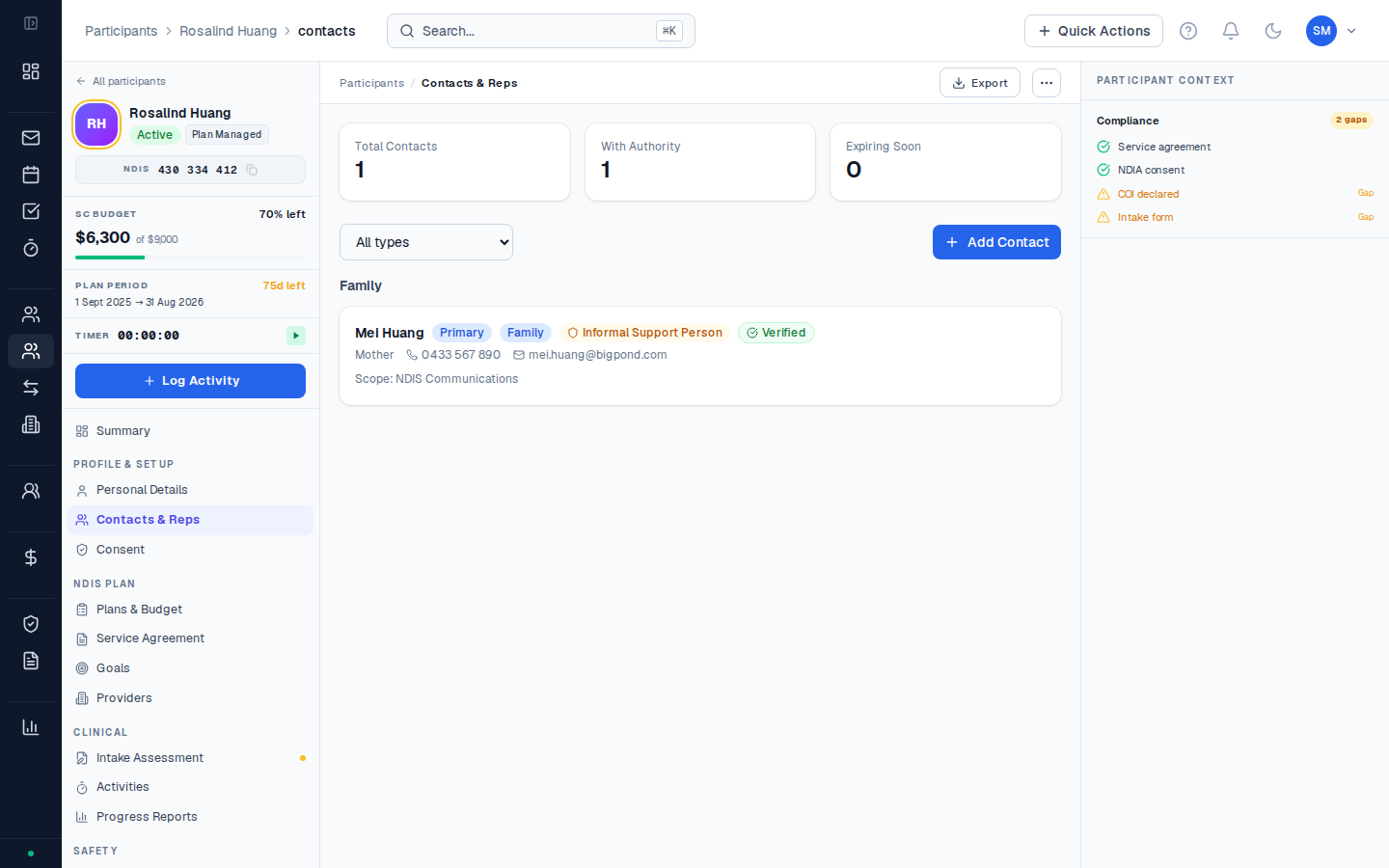
Contact types
CoordHub supports 7 contact roles:| Role | Who this is | Real-world example |
|---|---|---|
| Guardian | A person or organisation with legal decision-making authority (e.g. OPA WA-appointed guardian) | Sarah’s mother has been appointed as her guardian by the SAT following a cognitive assessment. She signs all documents on Sarah’s behalf. |
| Nominee | A person formally appointed by the NDIA to act on the participant’s behalf | James has an NDIA-appointed nominee who manages his NDIS planning — all NDIS correspondence goes through the nominee. |
| Advocate | A disability advocate or advocacy organisation | Michael is working with DDWA (Developmental Disability WA) during a dispute with the NDIA about his plan funding level. |
| Legal Representative | A lawyer or other legal representative | A participant involved in estate proceedings has a solicitor who needs to be aware of their NDIS plan details. |
| Emergency Contact | Who to call in an emergency — does not have formal authority | A participant’s sister — first point of contact if there’s an incident during a support visit. |
| GP / Allied Health | The participant’s general practitioner or treating clinician | Dr Chen at a local clinic — the participant’s GP who provides medical certificates and letters for NDIS planning. |
| Other | Any other relevant contact | A participant’s community support worker from a local mental health organisation who provides informal support. |
Where contacts appear
Contacts added here are available throughout CoordHub — they’re referenced in service agreements, intake assessments, and NDIA progress reports. The Representatives tab on the participant profile is specifically for formal representatives (guardians, nominees, advocates) who have legal authority documents attached.Plan managers are managed separately under Finance → Plan Managers, not in the participant’s Contacts tab. This is because plan managers are linked to specific budget categories, not to the participant as a whole.