

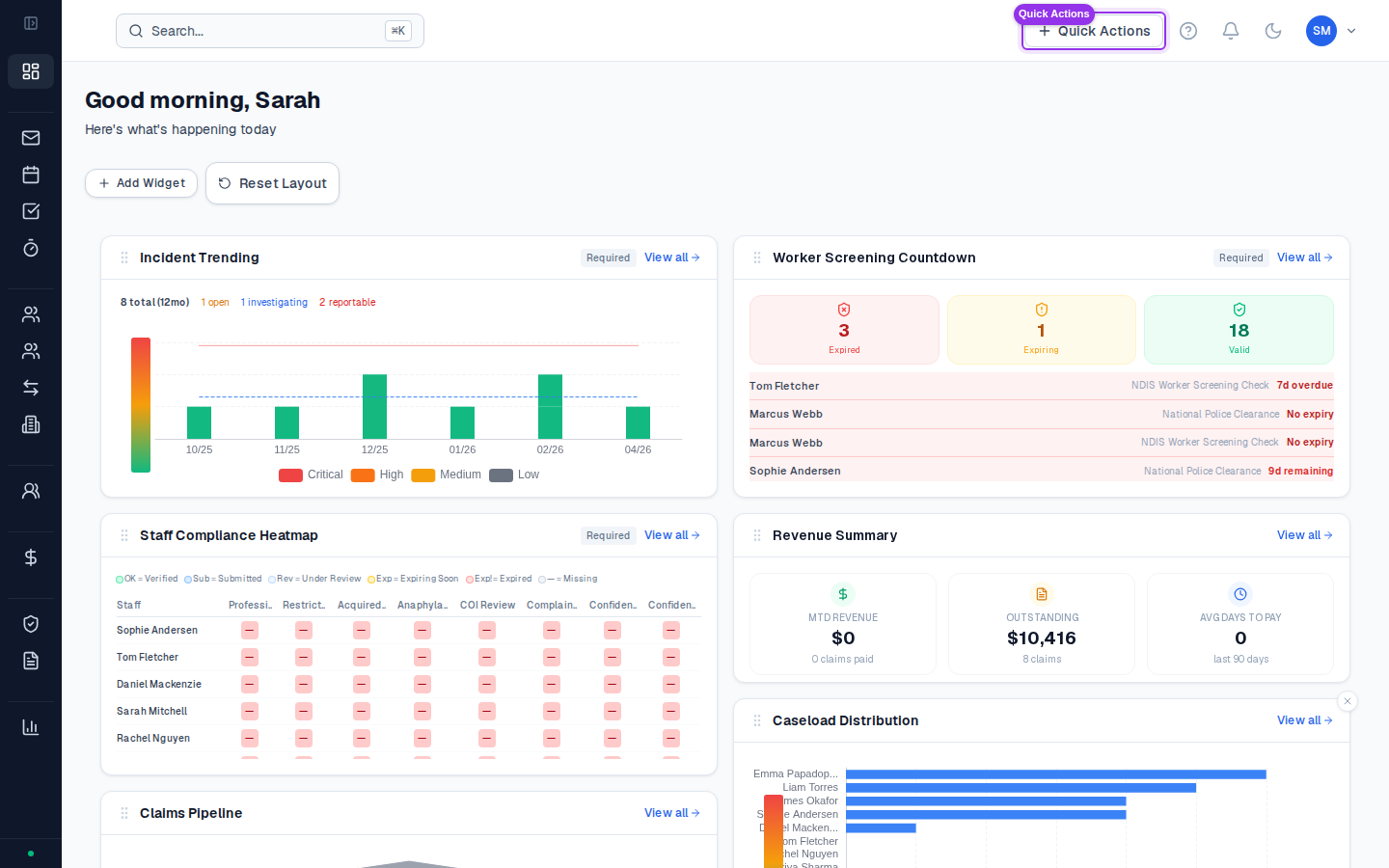
KPI cards
Four summary cards sit at the top of the dashboard:| Card | What it shows |
|---|---|
| Active Participants | Total participants with an active status in your caseload |
| Pending Activities | Activities you’ve logged that are awaiting approval |
| Expiring Items | Plans, service agreements, or compliance documents expiring within 30 days |
| Budget Health | Count of participants with plans flagged as overspent or at risk |
Compliance alerts
The bell icon in the top-right header shows your active compliance alerts — expiring consents, unsigned service agreements, overdue supervision records, and similar. Click the bell to see the full list.Recent activity feed
Below the KPI cards, the activity feed shows a chronological list of recent actions across your caseload — new activities logged, participants updated, invoices created. It’s a quick way to see what’s been done without navigating into each record.Quick Actions
The Quick Actions menu (accessible from the header) gives you one-click access to the most common tasks:- Log Activity — open the activity form
- Start a Timer — start a running timer for a participant
- Add Participant — begin the participant onboarding flow
- New Referral — start a referral record
Reading the KPI cards
The four KPI cards give you a daily coordination health check at a glance: Active Participants is your caseload size. If this number is lower than you expect, check whether any participants have been marked as On Hold or Exited — they won’t appear in this count. If it’s higher than your actual caseload, check whether any Referral-status participants have been inadvertently moved to Active. Pending Activities tells you how many of your submitted activities are waiting for approval. A growing pending queue usually means your manager has a backlog — follow up if activities have been pending for more than a few days, as unapproved activities can’t be invoiced. Expiring Items is a forward-looking alert. It counts consent records, service agreements, and plan periods ending in the next 30 days. Click through to see which participants are affected — expiring plans are time-sensitive because once a plan ends, you can’t bill new activities against it. Budget Health counts participants whose plan health has dropped to At Risk or Critical — meaning their spend rate is significantly off track (overspending or severely underspending). Click through to the Budget Forecast for the full picture.Common questions
Common questions
Why doesn’t the dashboard show all my participants?
The KPI cards reflect your assigned caseload. If you’re a Coordinator, you only see participants assigned to you. Admins and Owners see organisation-wide counts. If a participant isn’t appearing, check they’re assigned to you on their Overview tab.The Pending Activities count looks wrong — how do I check?
Go to Activities in the sidebar and filter by Status = Pending. The count on the dashboard should match what you see there. If there’s a discrepancy, try refreshing the page — the dashboard loads on page open and doesn’t auto-refresh.Can I customise the dashboard?
Dashboard layout is fixed. The four KPI cards, compliance alerts, activity feed, and Quick Actions are the same for all users. There are no custom widgets at this stage.