

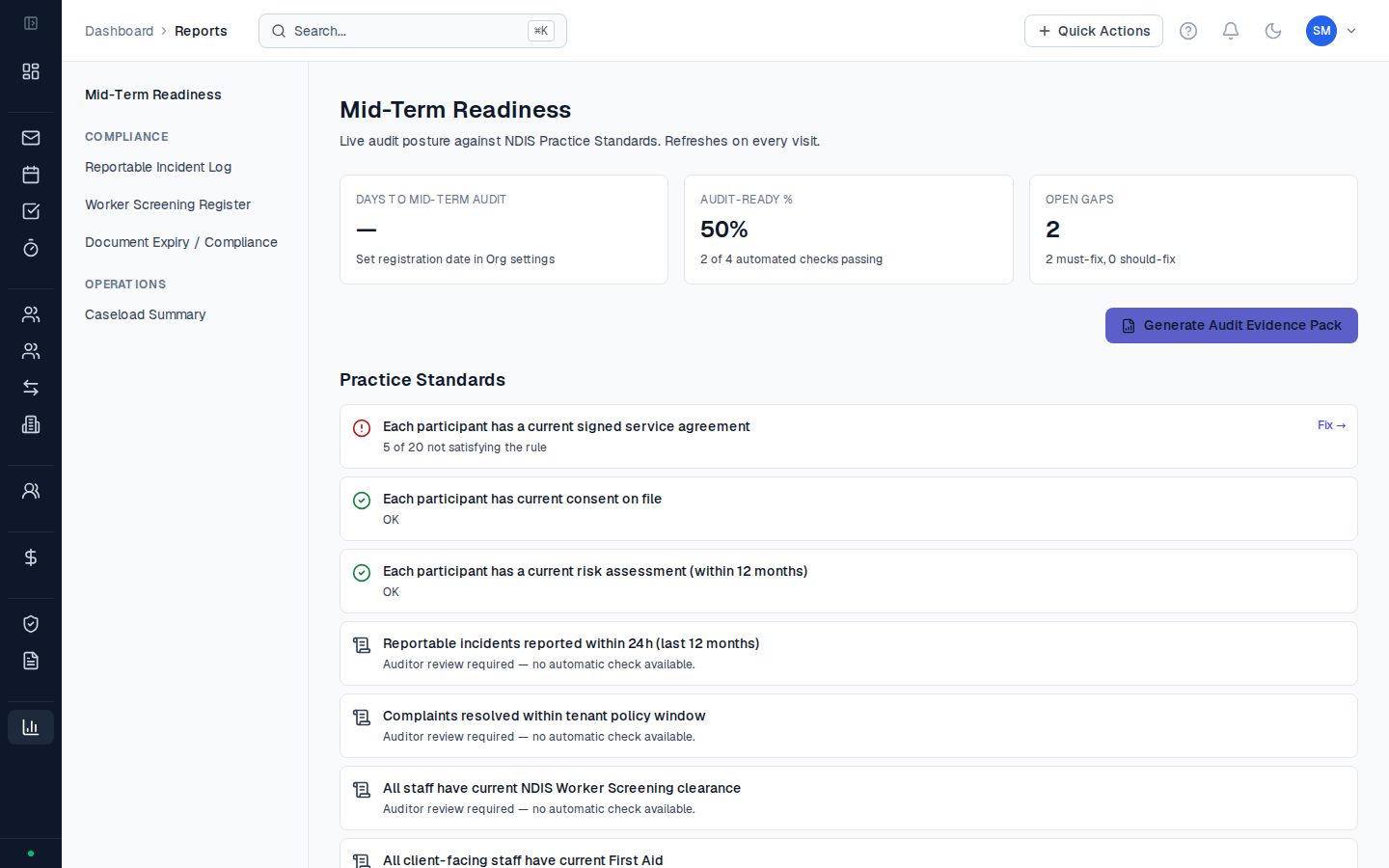
Report categories
Activity Reports
Activity logs by coordinator, participant, date range, or support item. The primary evidence base for NDIS audits and supervision reviews.
Budget Reports
Budget utilisation by participant or support category. Snapshot view of plan spend versus allocation for any date range.
Register Exports
PDF and CSV exports of the four audit-ready registers: Risk, Supervision, Training, and CAPA. Formatted for direct inclusion in an audit evidence pack.
Data Export
Full data exports across participants, activities, and contacts. Use for internal analysis, board reporting, or migration.
Compliance Reports
Staff compliance status — worker screening, training completion, supervision currency, COI disclosures.
How reports work
Go to Reports in the sidebar to see the reports hub. Select a category, choose your filters (date range, coordinator, participant), and click Generate. Most reports are available in both PDF and CSV format. PDF reports use a two-column layout consistent with NDIS audit documentation standards — they’re formatted to look professional when shared with the NDIA or an external auditor.Reports for NDIS audits
When preparing for an NDIS Quality & Safeguards Commission audit, these are the reports auditors most commonly request:| What auditors look for | Where to get it in CoordHub |
|---|---|
| Evidence of supervision sessions | Reports → Compliance → Supervision Register (Export PDF) |
| Staff training records | Reports → Compliance → Training Register (Export PDF) |
| Incident register | Reports → Compliance → Incidents summary, or Compliance → CAPA Register |
| Risk register | Reports → Compliance → Risk Register (Export PDF) |
| Activity records for specific participants | Reports → Activities, filtered by participant and date range |
| Budget utilisation evidence | Reports → Finance → Budget Utilisation, filtered by participant |
| Evidence of SA completion | Service Agreements register (from Registers section) |
Can I run a report covering multiple participants at once?
Can I run a report covering multiple participants at once?
Yes. Most reports in CoordHub support multi-participant filtering. In the Activity Reports section, leave the participant filter blank to include all participants, then apply other filters (coordinator, date range, support category) as needed. The resulting CSV will include a participant column so you can sort or pivot in Excel.
How far back do reports go?
How far back do reports go?
Reports can be run across your full data history — there’s no minimum or maximum date range enforced by CoordHub. For very large date ranges (more than 12 months), export to CSV rather than PDF, as PDF generation can time out on large datasets.
What's the difference between Reports and Register Exports?
What's the difference between Reports and Register Exports?
Reports are generated on demand and filtered by your criteria — you choose what to include. Register Exports are pre-defined exports of the four compliance registers in a standardised format designed for auditors. Use Reports for operational visibility; use Register Exports when preparing an audit evidence pack.